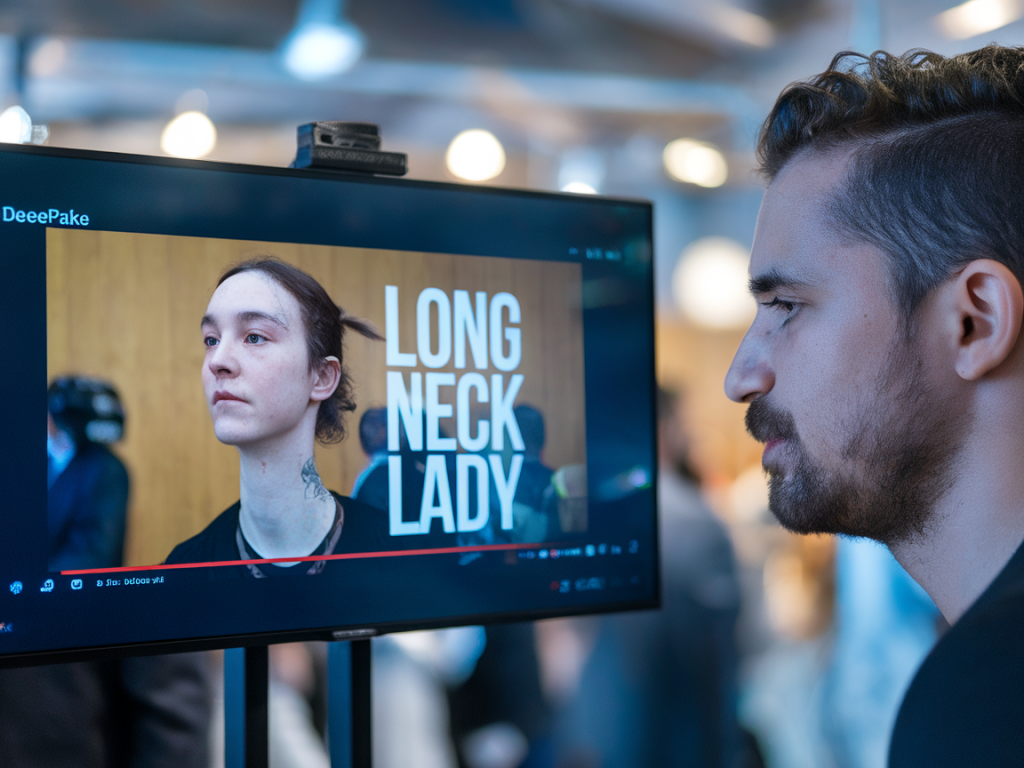
I get a little thrill when I spot something online that’s just a bit off — a viral clip that makes me squint, rewind, and ask, “Wait, is this for real?” These days, that instinct is more useful than ever. Deepfakes are getting scarier good, but you don’t need fancy forensic software to catch many of them. Here’s how I teach myself to spot a fake in about 30 seconds using only what’s on my phone or browser.
Start with a 5-second full-screen scan
Open the video full-screen and watch the person’s face and mouth for a single uninterrupted pass. My brain is wired to notice tiny mismatches between someone’s lips and what they’re saying. If the lip movement, blinking, or expressions feel slightly out of sync with the audio, that’s an immediate red flag. Trust that initial gut feeling — it’s doing the heavy lifting.
Look for the telltale visual glitches
Deepfakes often reveal themselves in specific visual spots. I check these areas first:
- Eyes and eyelashes: Are the blinks natural and symmetrical? Fast or uneven blinks can indicate manipulation.
- Jawline and neck: Watch for odd folds, mismatched skin tone, or a “floating” head effect where the neck doesn’t quite match the face.
- Hair and ears: Hairlines and ears are complex and hard to render perfectly — fuzziness, blurring, or disappearing hair is suspicious.
- Lighting and shadows: Do facial shadows match the rest of the scene? If the face seems lit differently than the background, that’s a sign.
- Fine details: Check glasses, jewelry, and teeth for blur, duplication, or edges that flicker.
Audio checks — your ears are powerful
Even very convincing visual deepfakes sometimes fail to get the audio right. I mute and then unmute to compare what I’m hearing with what I’m seeing.
- Sync mismatch: If the lips and speech are slightly off, that’s suspicious.
- Vocal artifacts: Watch for robotic tones, odd breaths, or sudden jumps in pitch/volume — signs of AI voice synthesis or editing.
- Background sound: Does environmental noise continue naturally through cuts? Abrupt audio changes or repeated background loops can indicate edits.
Context and source — the 10-second background check
After the visual and audio quick-scan, I spend a few seconds checking where the clip came from. This part only takes a moment and often tells the full story.
- Who posted it? Is it from a verified account or a rash of unknown/new profiles? Verified accounts and reputable outlets are less likely to post fakes (but not immune).
- Original context: Look for a caption, link, or timestamp. If a celebrity clip shows up on a meme page with no source, be skeptical.
- Reverse search: If the platform allows, do a quick reverse-image search on a still frame (Google Lens or TinEye). Often you’ll find the original clip or previous versions.
Spot the editing artifacts
Even a 30-second scan can uncover editing tells. I pause and scrub frame-by-frame for any of these anomalies:
- Pixel smudges: Blurry patches around facial features or edges.
- Subtle warping: Face stretching or momentary “melting” when the person moves.
- Repeated frames: A looping blink or repeated motion means the clip was stitched.
Quick credibility checklist (I carry this in my head)
| Immediate gut reaction | Does something feel off? |
| Visual sync | Lips/eyes/head movements match audio? |
| Audio quality | Natural voice vs robotic or chopped? |
| Lighting | Face and scene shadows consistent? |
| Source | Credible account or unknown page? |
| Context | Other outlets report it? Reverse search finds originals? |
Practical 30-second routine I use on my phone
Here’s the exact micro-routine I run through when I’m scrolling and want to know fast:
- Tap to full-screen and watch one uninterrupted play-through (5–7 seconds).
- Mute and unmute quickly; listen for weird voice artifacts (3–4 seconds).
- Pause on the face and scrub slowly through 2–3 frames to spot edges and blurs (5 seconds).
- Check the poster’s profile and recent posts — look for corroborating sources (10 seconds).
When to dig deeper (and tools I sometimes use)
If my quick scan still leaves doubt, I’ll invest another minute. Free, accessible tools can help:
- Google Lens or TinEye: Reverse-search a frame to find the original clip or image.
- InVID/Verifica: Browser extensions journalists use to analyze metadata and frame-by-frame.
- Media outlets: Trusted fact-check sites (AP Fact Check, Snopes) often investigate viral clips.
But most of the time, the 30-second checks described above are enough to classify something as likely real or likely fake. If it’s important (political claims, legal issues, major news), don’t rely on a quick scan — escalate to fact-checkers or professionals.
My last quick tips (for sharing or saving)
If you’re tempted to share a clip that seems slightly off, I ask myself two questions: “Would I be comfortable sharing this if it turned out fake?” and “Is this worth amplifying right now?” If the answer to either is no, I don’t share. It’s a tiny habit, but it cuts down on spreading fake moments.
Spotting deepfakes quickly is part instinct, part method. With practice you’ll get faster — and you’ll save yourself from being duped by convincing but bogus clips. If you want, drop a link to a suspicious video and I’ll walk you through a live 30-second check.